The internet is too big to picture all at once. Trying to understand it from the top down can make networking feel like a fog. Instead, start with the smallest network that can possibly exist: two computers and one cable between them. Everything larger, including the entire internet, is just this one idea repeated and stacked. Understand these two machines, and the rest of the course has a solid foundation.
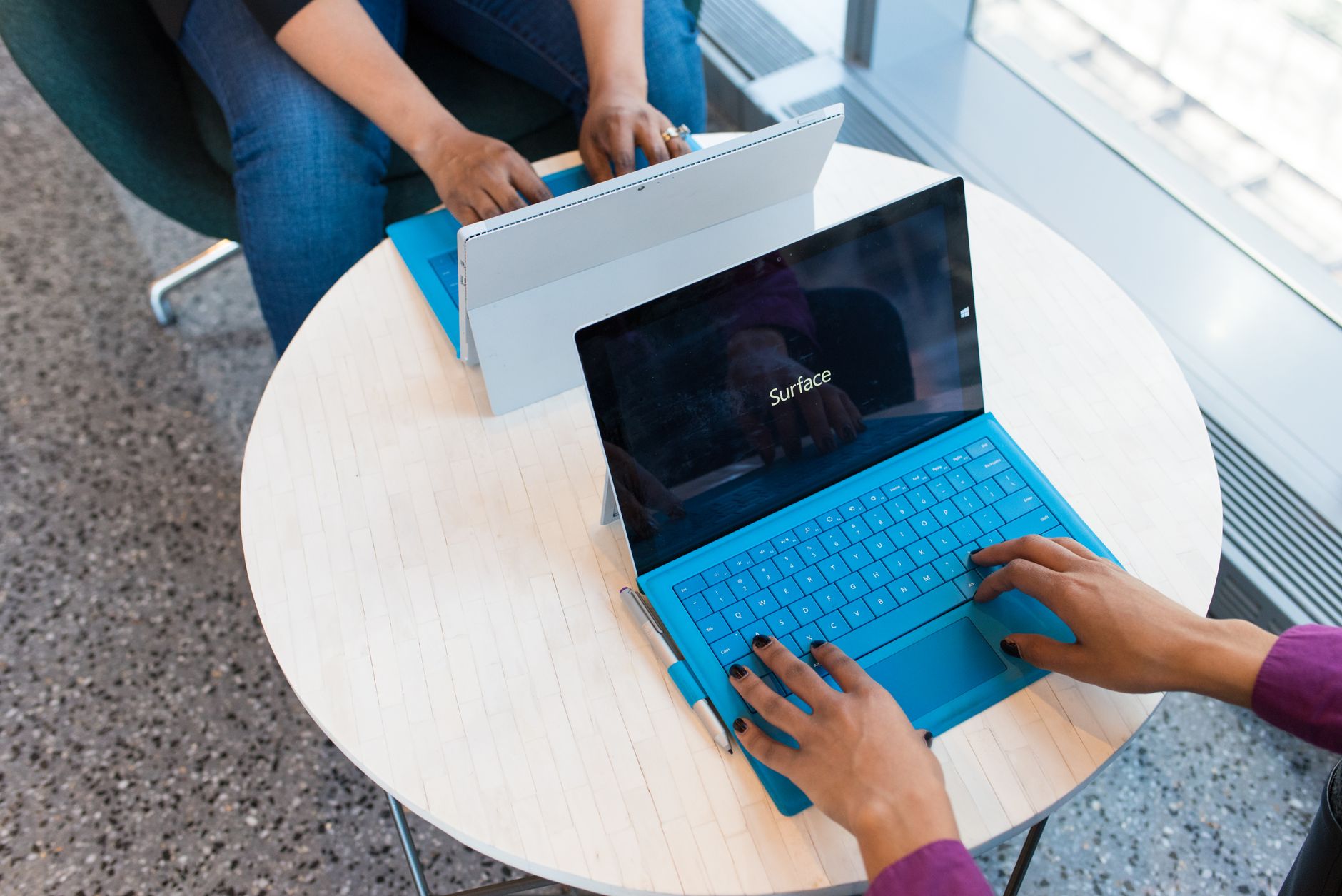
The cable has a single job. It carries a signal from one end to the other. On a copper Ethernet cable, that signal is a changing electrical voltage. On a fiber cable, it is pulses of light. By itself, the wire has no idea what any of it means. It just moves a pattern.
For that pattern to mean anything, both computers have to agree in advance on how to read it. They need to know how long one bit lasts, what voltage counts as a 1, and what counts as a 0. Two machines can only communicate when they already share the rules for what the signal means. We give this shared agreement its proper name, a protocol, in the third chapter. For now, just notice that even a bare wire needs rules.
The wire gives you very little. It simply moves bits between two points. Everything else you associate with a network is built in software. Addresses that find the right machine, delivery systems that survive a dropped signal, and web pages are all layered on top of this basic ability to move bits. We will spend the rest of the course building those layers. This is the ground floor.
On this two-computer network, how does a message find the right destination?
It doesn't have to. Because there is only one other machine on the wire, anything one computer sends can only arrive at the other. It requires no addresses and no routing decisions.
That changes the instant a third machine appears. Now, when a computer puts bits on the network, "send this to the other one" is confusing. Every message needs to say who it is for. The need for an address appears the moment there is more than one possible destination. Keep this in mind, because it is exactly the problem the next chapter solves at scale.
To name a destination, every network card carries an identifier from the day it was made.
A device on a network has two different addresses. Beginners often blur them together, but they answer completely different questions.
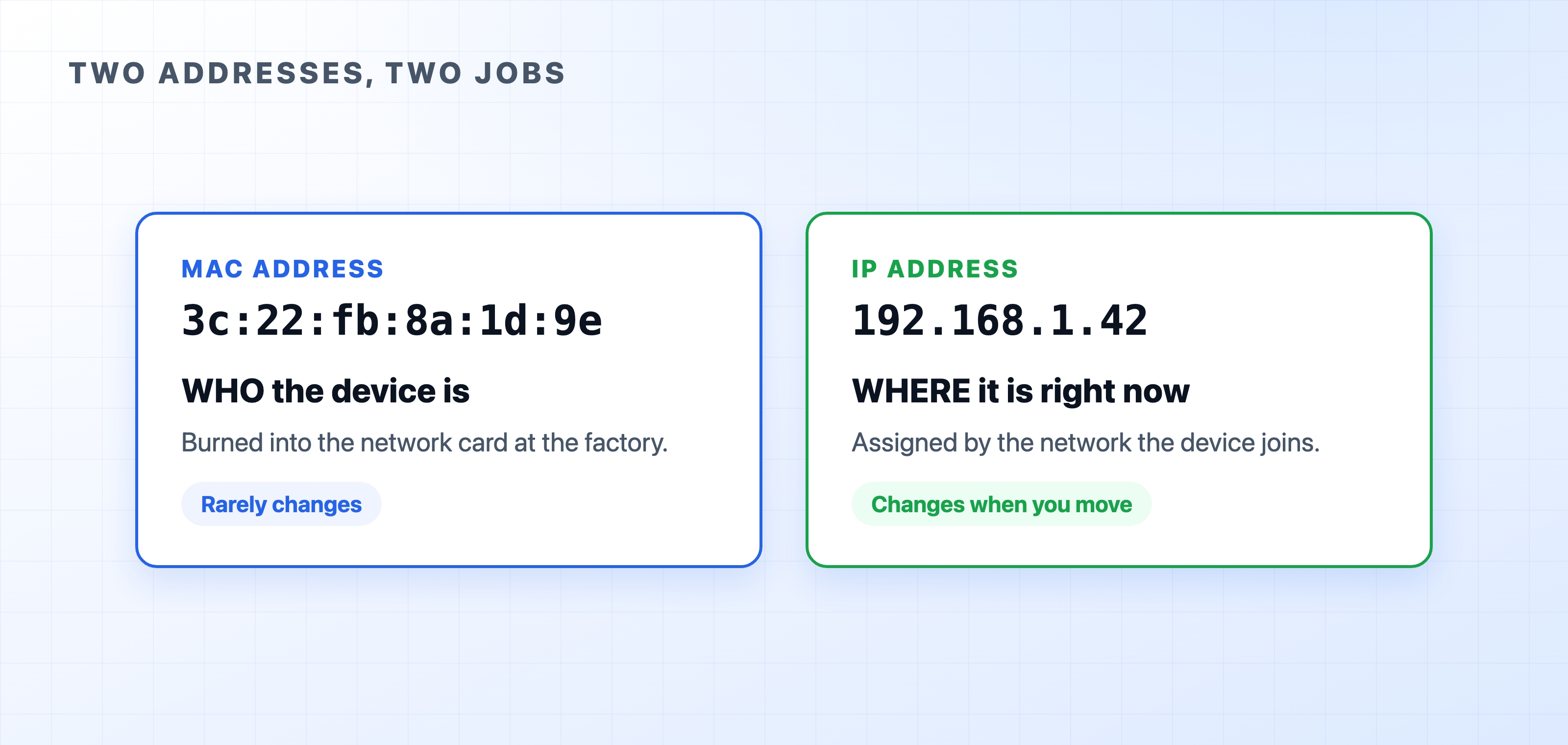
A MAC address is the identifier burned into a network card at the factory. It looks like 3c:22:fb:8a:1d:9e, which is six pairs of hex digits. It is meant to be globally unique to that one piece of hardware. Think of it as who the device is. It rarely changes for the life of the card.
An IP address is assigned to the device by the network it joins. It looks like 192.168.1.42. Unlike the MAC address, it changes depending on where the device is. Join a café's Wi-Fi and you get one. Go home and you get another. Think of it as where the device currently is.

The easiest way to understand the difference is a mailing analogy. Your name identifies you no matter where you live. That is the MAC address. Your mailing address says where to reach you right now, and it changes when you move. That is the IP address. The postal system delivers mail based on the mailing address because it encodes a physical location. Networks work the same way. The next chapter shows why this matters once messages start crossing between networks.
If the MAC address already uniquely identifies a machine, why bother with an IP address at all? A MAC address says nothing about where the device is. You could never use it to route a message across the world because you would have to already know the path. An IP address is structured to describe a location on the network, which makes finding a distant machine possible.
Your own machine has both addresses right now. You can look at them using these commands:
ifconfig en0ip addripconfig /allOn Linux, a trimmed result looks like this:
text$ ip addr2: en0: <BROADCAST,MULTICAST,UP> mtu 1500link/ether 3c:22:fb:8a:1d:9e ← MAC address (who)inet 192.168.1.42/24 ← IP address (where)
The link/ether line is the MAC address, fixed to your hardware. The inet line is the IP address your network handed you. Connect from somewhere else, and that IP address will be different.
One small note to keep things accurate: a MAC address can be changed in software, and an IP address can be pinned so it never moves. "Burned in" and "changeable" describe the normal case rather than an unbreakable law. However, the mental split of identity versus location holds true either way.
Two machines on a wire never have to decide where anything goes. But add more machines, and something has to make a routing decision. The next chapter introduces the two devices that make those decisions, the switch and the router, and explains how they turn many small networks into one internet.